Energy Retrofit Jobs Manager
The wider jobs platform where Reel Builder sits beside project records, Drive folders, field operations and social posting tools.

Reel Builder is a staff-facing app that turns job photos, on-screen text and optional Irish voiceover into Instagram and TikTok reels — without opening CapCut for every completed project. It sits inside the jobs platform beside the social post composer and video library.
Retrofit and trades teams capture good before/after photos on site, but turning them into consistent social posts is slow: cropping for 9:16, writing grant-led copy, adding contact details, recording voiceover and exporting multiple formats. The workflow needed to stay simple enough for non-designers while still producing branded reels.
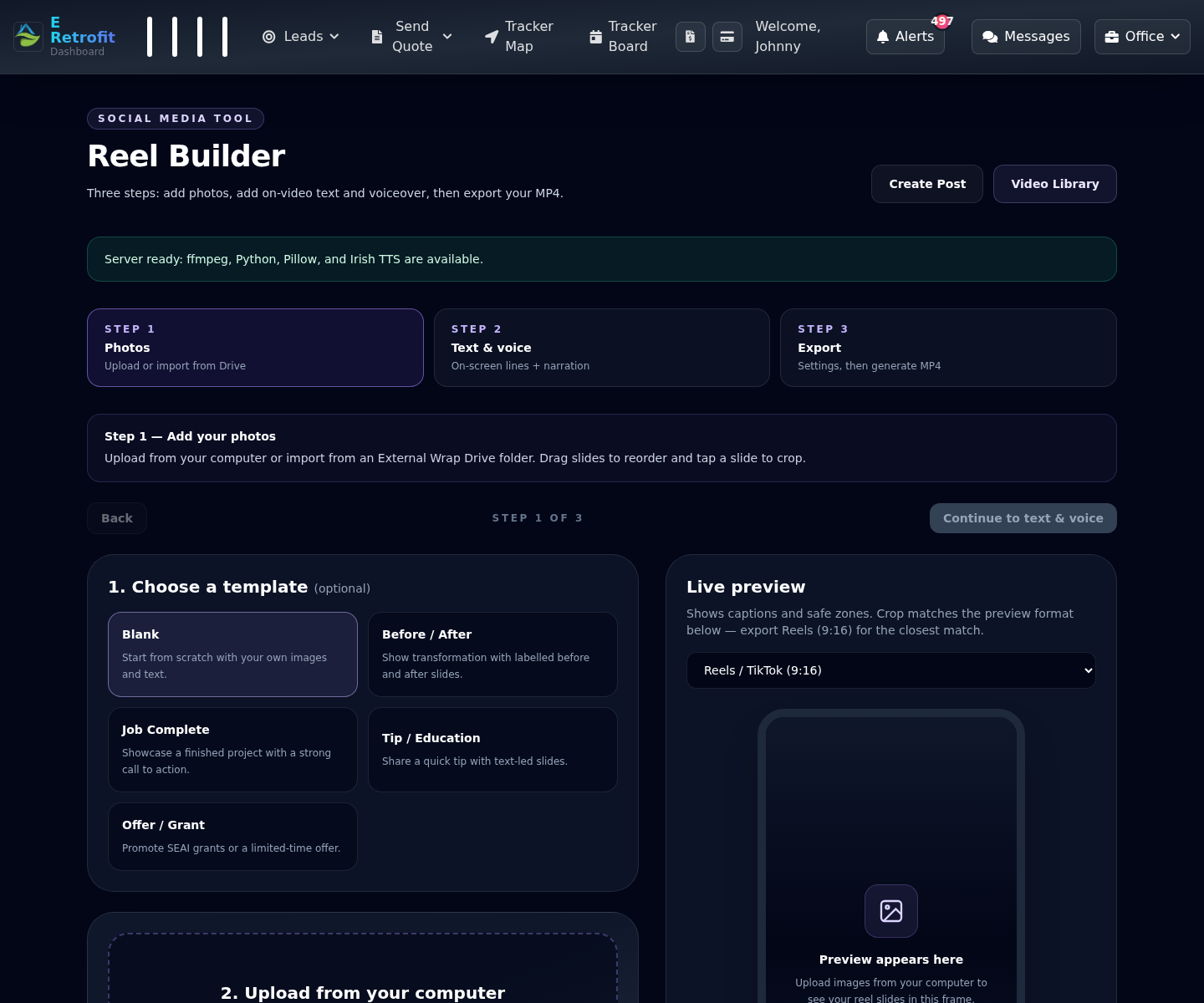
The UI is a guided wizard: add photos, add text and voice, then export. Step one supports drag-and-drop uploads, Google Drive import from External Wrap project folders, slide reordering, per-slide crop with brightness and contrast controls, and a live phone preview with Instagram safe zones.
Step two loads contact details from the selected brand category — business name, phone, email, website and logo — then uses OpenAI to generate hook, headline, call to action, narration script and platform captions. Prompts are tuned for SEAI grants, warmer homes and lower bills rather than generic social filler.
Irish English voices (Emily or Connor via edge-tts) read the narration while subtitles appear on each slide. Users can enable an intro slide with hook and title over the first photo, and a branded outro with contact footer. Music can be uploaded or chosen from a built-in library, with ducking while speech plays.
Export queues a background job: PHP prepares uploads and config, a CLI worker generates TTS if needed, then a Python script renders frames with Pillow, composites overlays and encodes with ffmpeg. Outputs can include Reels (9:16), square feed and 4:5 portrait from the same slide set.
Finished MP4s can save to the category video library — overwriting the previous export for the same project when re-rendered — and hand off to Create Post with captions pre-filled. Project drafts persist images, crop data and settings so a half-built reel survives refresh.
The app gives field and marketing staff a repeatable path from site photos to publish-ready reels, tied to the same jobs database, Drive folders and social posting tools the business already uses.
Retrofit and trades teams had good site photos, but turning them into consistent 9:16 social reels meant repeated cropping, copywriting, contact details, voiceover, subtitles, music and exports.
Reel Builder provides a guided three-step workflow for photos, text, voice and export, with Drive import, live phone preview, OpenAI copy generation, Irish voiceover, subtitles, music handling and an ffmpeg render pipeline.
Field and marketing staff get a repeatable path from site photos to publish-ready reels, connected to the jobs database, Drive folders and social posting tools the business already uses.
Explore additional work with similar focus areas and implementation approach.
The wider jobs platform where Reel Builder sits beside project records, Drive folders, field operations and social posting tools.
A related AI workflow that turns receipt, PDF and mileage inputs into structured operational data.
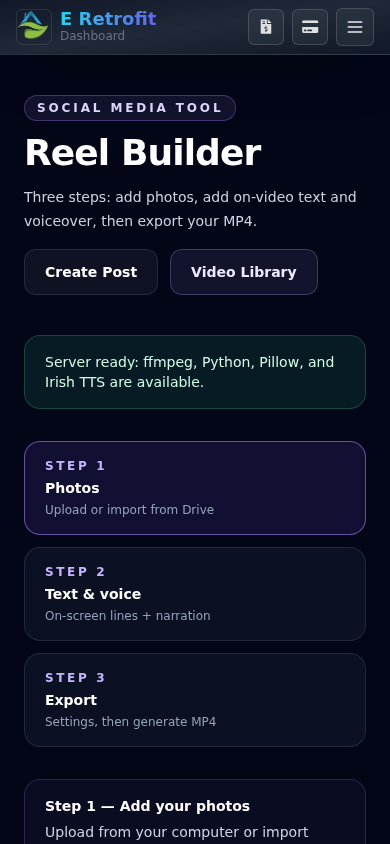
Sanitized previews of the Reel Builder wizard — photo step with live preview, and the mobile layout — without exposing private job photos or client contact records.
Next step
Send your website address and what you want more of — calls, bookings, or quote requests. I will review the contact path, mobile layout, local SEO basics and tracking before quoting any work.