
Dispatch Board
The daily planning board for unplanned jobs, timelines, conflict checks and schedule delivery.

AtoZ is a live route planning app for delivery, trades and field-service teams that need to plan multi-stop work days around appointment times, job duration, travel time, waiting time and exportable route schedules.
Route planning for a busy work day is rarely just a list of addresses. Teams need to handle fixed appointment windows, estimated job duration, travel time, late arrivals, waiting time and the route that drivers will actually follow.
The planner lets an admin add destinations manually or in bulk, choose the best route mode, calculate the route with Google Maps and review a stop-by-stop job schedule. Each stop can carry its own appointment time and duration, so the schedule shows ETAs, wait time, late warnings, departure times and finish times.
The result is a practical planning tool for service and delivery days. Staff can build the route, spot timing issues before the driver leaves, export the schedule, save planner data in the browser and open the calculated trip in Google Maps.
Route planning for busy work days needed to account for fixed appointment windows, estimated job duration, travel time, late arrivals, waiting time and the route drivers would actually follow.
AtoZ lets admins add destinations manually or in bulk, choose a route mode, calculate routes with Google Maps, and review a stop-by-stop schedule with ETAs, wait time, late warnings, departure times and finish times.
Staff can build routes, spot timing issues before drivers leave, export schedules, save planner data in the browser and open the calculated trip in Google Maps.
Explore additional work with similar focus areas and implementation approach.
The daily planning board for unplanned jobs, timelines, conflict checks and schedule delivery.
The tracker map layer that overlays active jobs with live van positions and directions links.
The CMS, HRM and field-service operations platform for work orders, scheduling and field updates.
Practical features delivered as part of the build.
Paste a batch of job addresses into the planner and turn them into route stops without rebuilding the day one address at a time.
Calculate the best roundtrip, a fastest A-to-Z route or keep the jobs in the exact order entered when sequence matters.
Add fixed appointment times per stop so the planner can show waiting time, late arrivals and realistic departure times.
Set a default service duration and override it per destination for jobs that need more or less time on site.
The calculated schedule shows arrival, waiting, start, finish and departure times for every destination in the route.
Open the calculated journey in Google Maps or export the route data as CSV or JSON for admin records and handover.
How the operational flow works from start to finish.
What the live route planner setup includes.
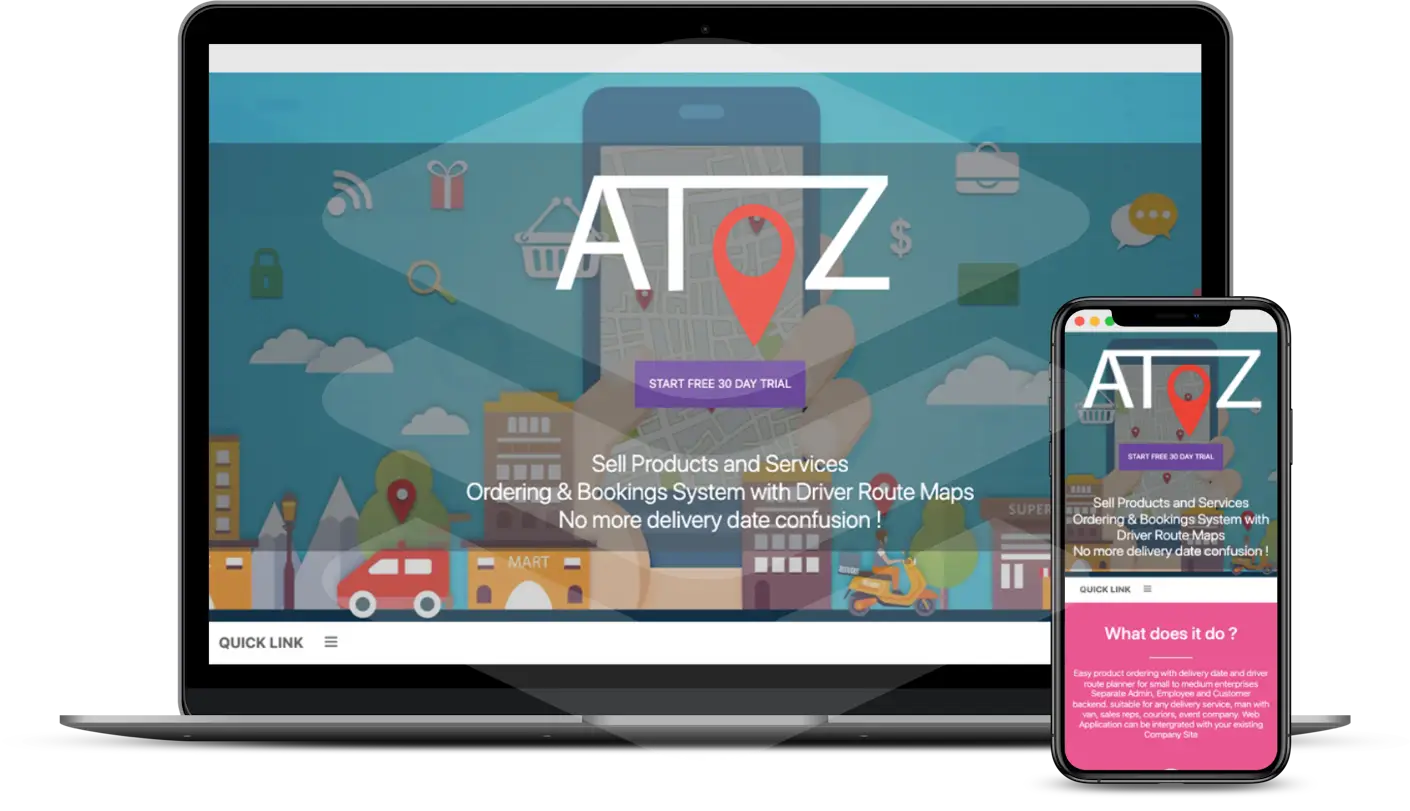
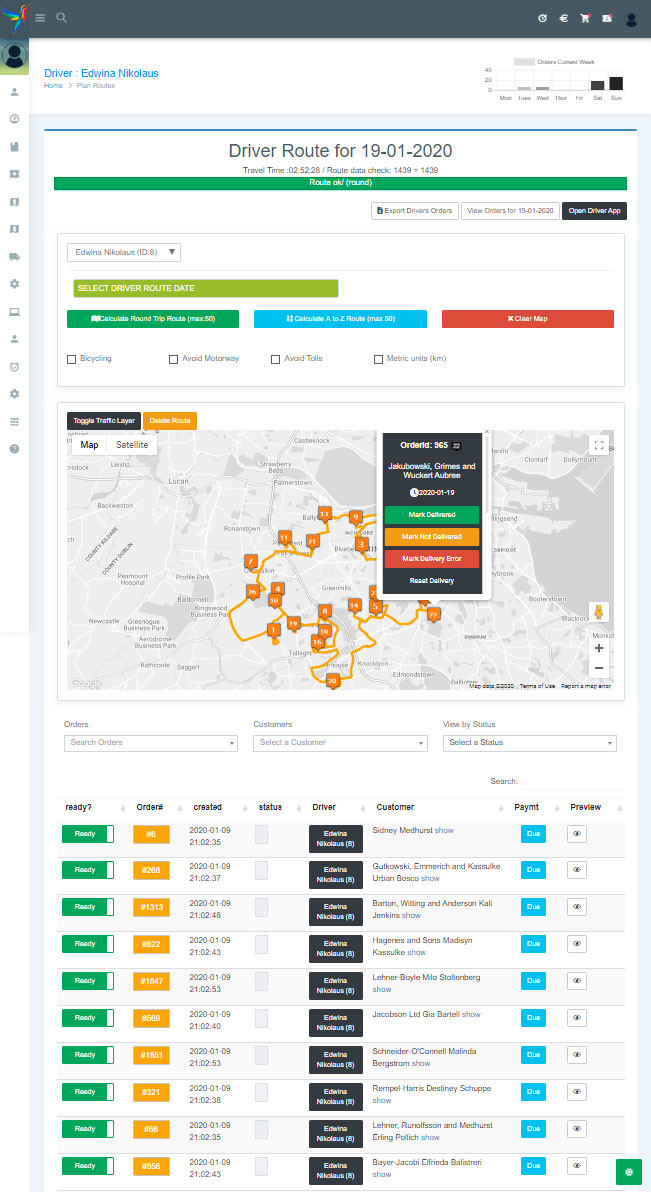
Screens from the route planning workflow, showing the planning interface, map route and schedule tools used to prepare a job day.
Next step
Send your website address and what you want more of — calls, bookings, or quote requests. I will review the contact path, mobile layout, local SEO basics and tracking before quoting any work.